
How to Choose Data Center Design Software: 7 Criteria That Actually Matter
Most data center software decisions are made the wrong way: someone shortlists three vendors, watches three demos, and picks the one with the prettiest 3D view. Twelve months later the team is back on spreadsheets, because the tool never matched how the floor actually gets documented.
The problem isn't the vendors. It's that “data center design software” covers three different jobs that get conflated in every RFP: designing the floor, documenting what is really there, and monitoring how it runs. A tool that is excellent at one can be useless at the others.
Here are seven criteria that separate the software that survives contact with reality from the software that becomes shelfware.
1Reality, not a blank page
Does it start from what exists, or from an ideal?
Top-down design tools
Start with a clean sheet and let you draw an ideal floor: cabinet rows, aisles, power paths, airflow. Excellent for greenfield builds and planning.
Bottom-up survey tools
Start with a tape measure and a real room — including the awkward column, the door that swings the wrong way, and the tray nobody documented.
Most data centers are not greenfield. They are 10 to 20 years old, have been through three migrations, and their floor plan is approximately correct — a phrase that hides a lot of pain. If your software can only design the ideal and not capture the existing, your first project will end with a beautiful drawing that nobody trusts.
2Measurement precision
Scale integrity is not a detail
A floor plan that is “roughly to scale” is worse than no floor plan, because it looks authoritative while being wrong.
- Works in real units (millimeters or inches) rather than arbitrary pixels
- Keeps scale integrity when you move or resize elements
- Handles rack dimensions accurately — a 42U cabinet is 600 mm wide, not “about that much”
- Lets you measure existing elements in the same workflow as placing new ones
This matters more than it sounds. Capacity planning built on a 5% scale error produces a floor that quietly does not fit what you promised.
3Aisle logic
The cold aisle / hot aisle workflow
Thermal layout is where data center design stops being “drawing boxes” and becomes engineering.
The best tools encode the physical rules of cabinet layout: rows aligned to a common aisle, hot and cold sides consistent across the floor, no cabinet facing the wrong way into a return aisle. Some go further with POD (pod-based) workflows that let you define a repeatable unit — row, aisle, containment — and replicate it.
Getting the aisle logic wrong is invisible on a 2D plan and extremely expensive in the room.
A tool that enforces it catches errors at design time, not at commissioning.
4Exports
Formats your team already uses
The output is where many tools quietly fail. A drawing that only exists inside the vendor's application is a hostage, not a deliverable.
| Format | Why it matters |
|---|---|
| DXF | Opens in AutoCAD, BricsCAD, Revit workflows — the language your contractors speak |
| CSV | Quantities, BOM, asset lists — for procurement and finance |
| Sign-off, permits, client approval | |
| 3D / visual | Client presentations and non-technical stakeholders |
A tool that exports DXF and CSV lets you keep using your existing CAD standards instead of forcing the whole company into a new workflow. That single criterion saves more adoption pain than any feature list.
5Integration
It should feed your systems, not replace them
If your data center already has a BMS, UPS, PDU, or monitoring platform, the design tool should not become an island.
- SNMP support for existing infrastructure
- REST APIs for pulling and pushing asset data
- Standard protocols (Modbus, BACnet, Redfish) where relevant
- A way to import from your existing spreadsheets or CMDB — where your asset truth lives today
Be honest about scope: a design and documentation tool does not need to be your DCIM. It needs to feed it. Requiring one platform to do design, documentation, monitoring and capacity planning is how projects become two-year implementations that never ship.
6Total cost
Three years, including the hidden lines
Vendors quote licence cost. The real number is bigger.
Licensing model
Per user, per rack, per object, or perpetual with maintenance. Per-object pricing scales badly if your floor grows.
Implementation
Often 1–3× the annual licence. Frequently quoted separately, or not at all.
Data entry
The single most underestimated cost. Who converts your existing drawings?
Maintenance
Typically 18–22% annually after year one for perpetual licences.
7Time to value
Days, not quarters
The decisive criterion, and the one least likely to appear in a brochure.
Can a technician who has never seen the tool survey a room and produce a usable plan on day one? If not, the tool will be populated by one person, in one office, while everyone else keeps using the spreadsheet.
- Does a partial survey still produce a valid deliverable, or must you complete 100% before anything is usable?
- Can it run in a browser, so a contractor on-site needs no install, no licence server, no IT approval?
That is how DCIM projects die — not from bad features, but from nobody entering data.
Evaluation shortcut
One room, one day
Before the vendor demos, run this test:
- Pick one real room — not the showcase, the messy one.
- Time a technician surveying it with the candidate tool.
- Export and open the result in your existing CAD.
- Check one thing: does the exported drawing match the room within tolerance?
If a tool cannot pass that in a day, no feature list will save it.
Where lightweight tools fit
The documentation layer
The industry has spent a decade pushing full DCIM platforms at organisations that needed something much simpler: a fast, accurate way to document a room and produce a trustworthy plan.
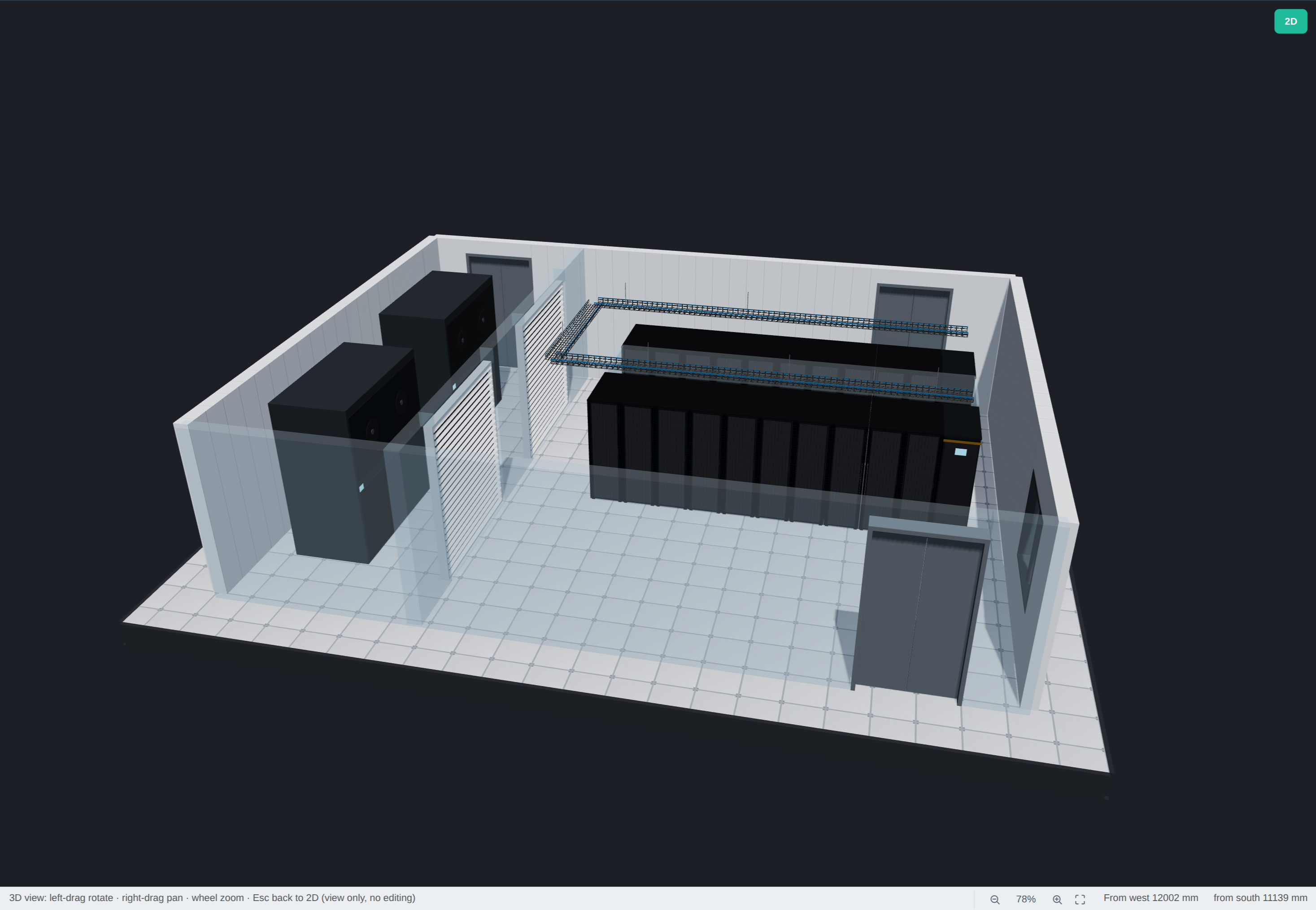
That gap is exactly where DC Survey Recorder sits. It is a browser-based tool for surveying server rooms — millimeter-accurate measurement, cold/hot aisle (POD) layout assistance, and export to DXF, CSV and a 3D view. It is deliberately not a monitoring platform: it is the documentation layer that feeds one.
Try it free — no install, no sign-up
Survey a real room and export it in an afternoon.
Open DC Survey RecorderKey takeaways
- Separate design, documentation and monitoring before you shortlist — conflating them is the most common mistake
- Insist on real units and scale integrity; “roughly to scale” is the most expensive kind of wrong
- DXF + CSV export protects your existing CAD workflow and drives adoption
- Price the three-year total, including data entry — the licence is the smallest line item
- Judge tools by time to first useful output, not by demo polish
RouteMaster builds software for designing and documenting critical infrastructure — data centers, fiber and FTTH networks. Learn more at routemaster.io.